


Navigate Slough and Windsor’s new art trail with the trail app
Find and collect 30 big sculptures and 61 small sculptures across Slough, Eton, Windsor and Maidenhead while unlocking exciting discounts and offers along the way. Discover the design inspiration and vote for your favourite. Share your photos to the galleries while tracking your steps and miles. Keep up to date with the latest trail related news and events.
Available to download on the App Store and Google Play for £1.99. Proceeds from each purchase is donated to Thames Hospice.
Search ‘Trunks across the Thames’ in the APP store.


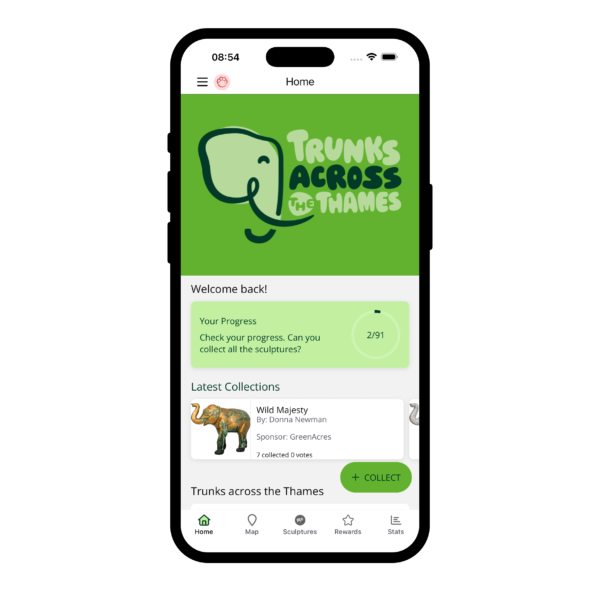
Collect sculptures
Using COLLECT + enter the 4 digit code found on the plaque to collect the sculpture.
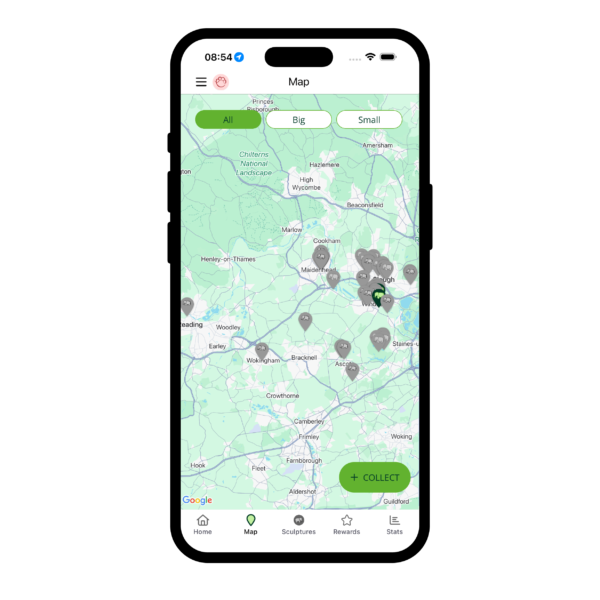
Find Sculptures
Pinch and swipe the map to zoom in and out. Location settings need to be turned ON to see your location on the map. Or visit the sculptures tab and search for the name or artist.
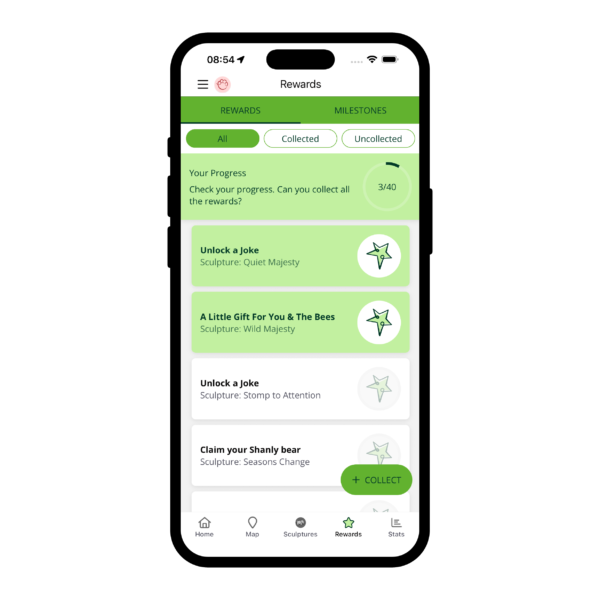
Unlock Rewards & Milestones
When you collect sculptures you’ll unlock exciting rewards and milestones along the way.
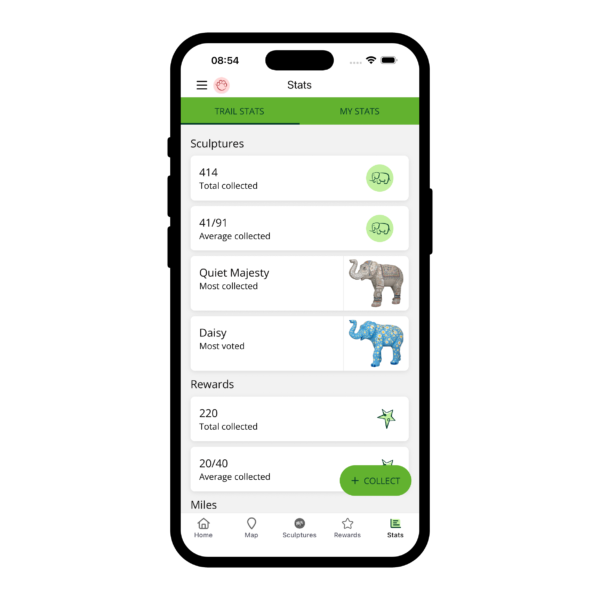
Stats
Track your progress around the trail. See how many sculptures and milestones you’ve collected. Plus you can see the most voted and most collected sculptures across the entire trail.
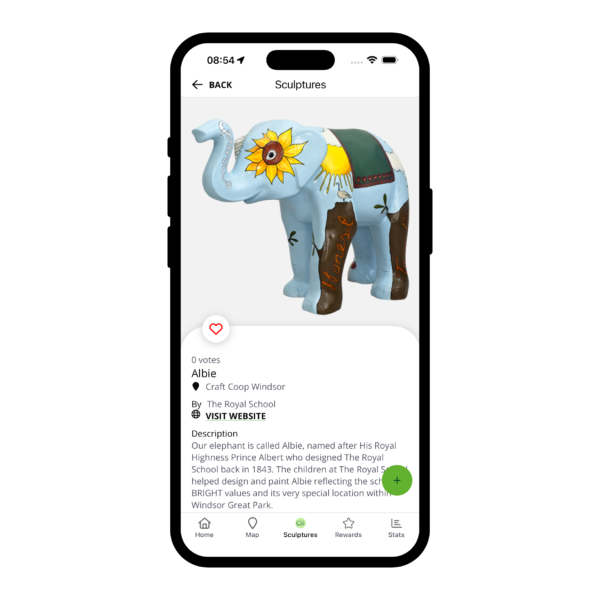
Gallery
Upload your photos to the public photo gallery. Images uploaded will be vetted by the team prior to being published. Your photo will be seen by other app players and can be shared on social media. So get creative!
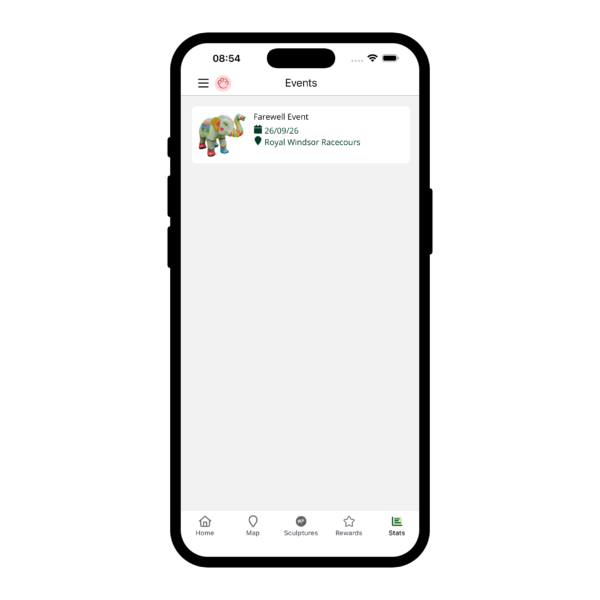
Events
Trail related events will be published in the app. Visit the Events section to stay in the know.
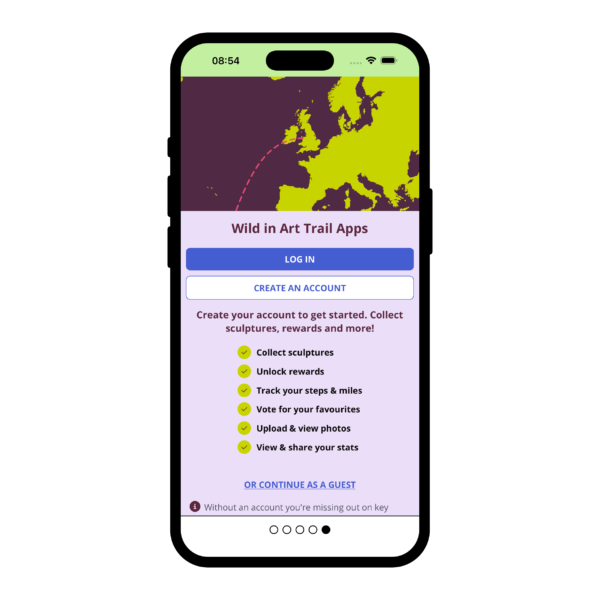
Create your Wild in Art Account
Create an account to get started. Collect sculptures, unlock rewards and milestones, vote for your favourite, upload pictures to the community gallery and track your steps and miles. Without an account you’re missing out on key features.

FAQs
I can’t find the app in the store
Search for ‘Trunks across the Thames’.
Problems creating an account
Check you’re connected to the internet, either Wi-Fi or a mobile network. Then ensure you’ve selected your age by clicking either the ‘under 16′ or ’16+’ buttons. Your age needs to be selected before being allowed to progress.
Problems signing in
Check you’re connected to the internet, either Wi-Fi or a mobile network. Then please try again. If you see a message saying you have already registered, go to ‘log in’ and log in using the email and password you used to create your account. Forgot your password? Use the ‘Forgot Password’ button to reset it.
Lost progress stats
Log out via the menu in the top left and log in again this usually resolves the issue. If not, close the app completely and re-open it (or restart your device).
Artwork collected but not updated in stats
Log out via the menu in the top left and log in again this usually resolves the issue. If not, close the app completely and re-open it (or restart your device).
Check if you’ve been auto connected to public wi-fi as well as your 4/5G signal and choose one. Being connected to both can cause issues with signal. Then, close the app completely and re-open it, this will force the app to refresh.
Finding Sculptures
Use the map; pinch and swipe the map to zoom in and out. Location settings on your phone need to be turned ON to see your location on the map. Or go to the Sculptures tab to access the Sculptures listings and search for the sculpture name, artist or location.
Collecting Sculptures
There is a 4 digit code found on the sculpture’s plaque. Click COLLECT + and enter the number. You have now collected the sculpture and if you’re lucky, you may have unlocked a reward at the same time.
Uploading to the gallery
You can upload a photo to the app Gallery by clicking Upload on the sculpture page. You’ll be asked to either ‘Take a photo or Choose from library’. Images uploaded will be vetted by the team prior to being published on the app. Your photo will be seen by other app players and can be shared on social media. So get creative!
Incorrect codes
If you’ve already collected an sculpture the app will display an incorrect code message. Check your Sculpture listing pages to see if you have already collected it.
Count your steps
To track your steps go to the drawer in the top left and toggle ‘Count your steps’ ON. You will be prompted to allow ‘motion and fitness’ on your device.
You must do this each time you wish to track your steps and will be prompted to allow ‘motion and fitness’ each time the switch is toggled ON.
Motion and fitness permissions are only requested when required.
Need more help?
If you’re having problems with the app, please let us know by contacting our app support team with the details here.